Blueooth TPMS Programming Tool
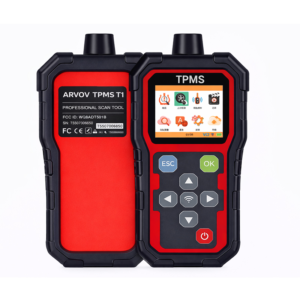
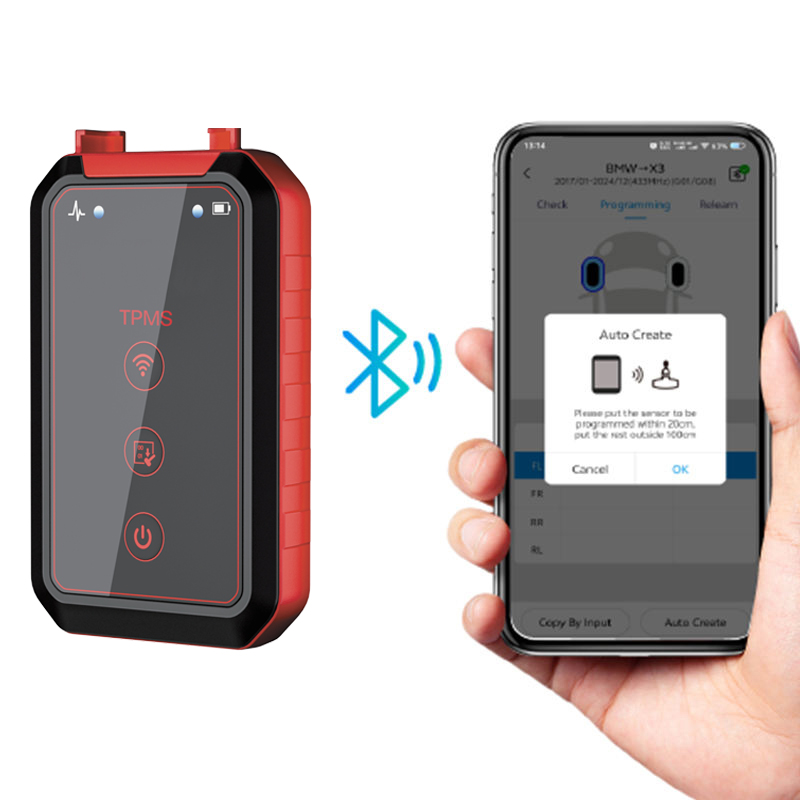
The bluetooth TPMS programming Tool is a wireless diagnostic device that connects to a smartphone or tablet via bluetooth to activate, program, and manage TPMS sensors. It allows technicians to perform TPMS service tasks using a mobile app, providing flexibility and convenience.
Key Features:
Wireless Operation: Connects to iOS/Android devices via Bluetooth for easy use.
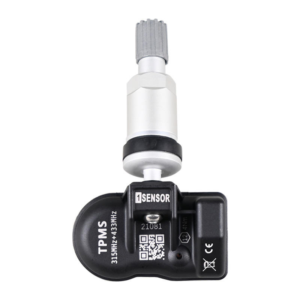
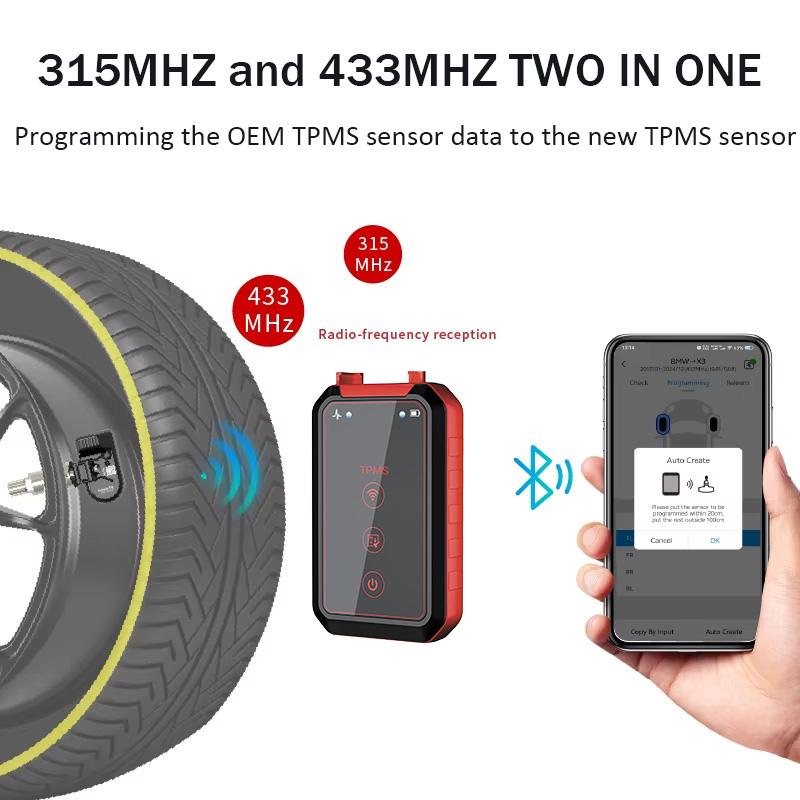
Sensor Activation:Reads OEM TPMS sensor ID, pressure, temperature, and battery status from 315MHz/433MHz universal TPMS sensors.
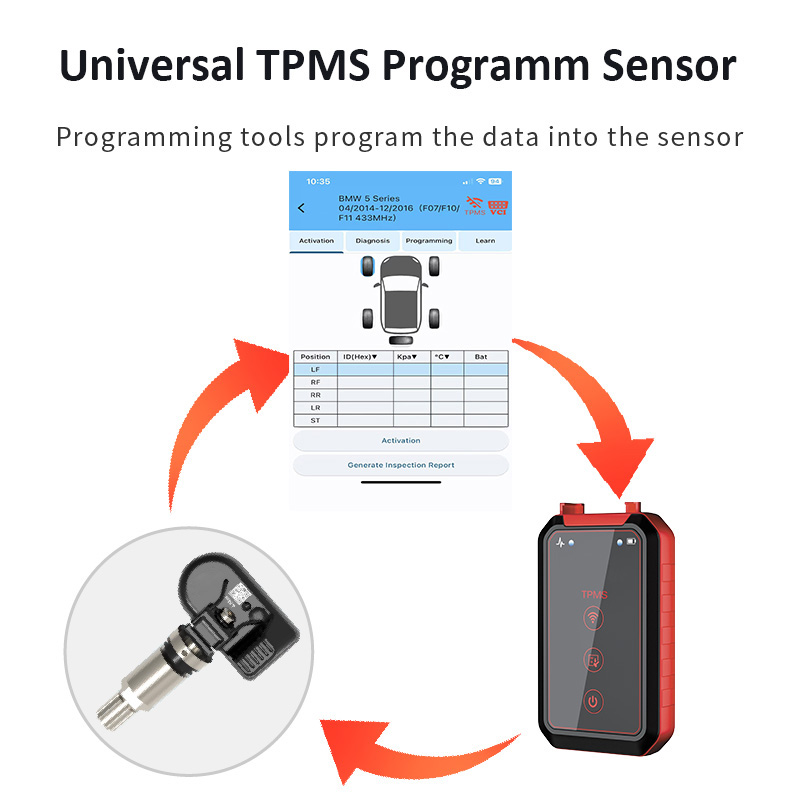
Programming Capability: The program tool programs universal TPMS sensors (clone, create, or copy ID).
Vehicle Relearn:Guides users through OBD or manual relearn procedures.
App-Based Interface: Intuitive app with vehicle database updates.
Portable Design:Compact and easy to carry for mobile service.
Common Functions:
Activate TPMS sensors
Program Arvov universal TPMS sensors
Clone sensor IDs
Read/clear TPMS fault codes
View real‑time pressure and temperature data
Perform ECU relearn procedures
Compatible Devices:
IOS smartphones/tablets
Android smartphones/tablets
Typical Usage:
1. Download and install the TPMS app.
2. Connect the bluetooth TPMS programming tool to the phone.
3. Activate the sensor using the tool.
4. Program the sensor (clone or create new ID).
5. Install the sensor and perform vehicle relearn via OBD or driving.